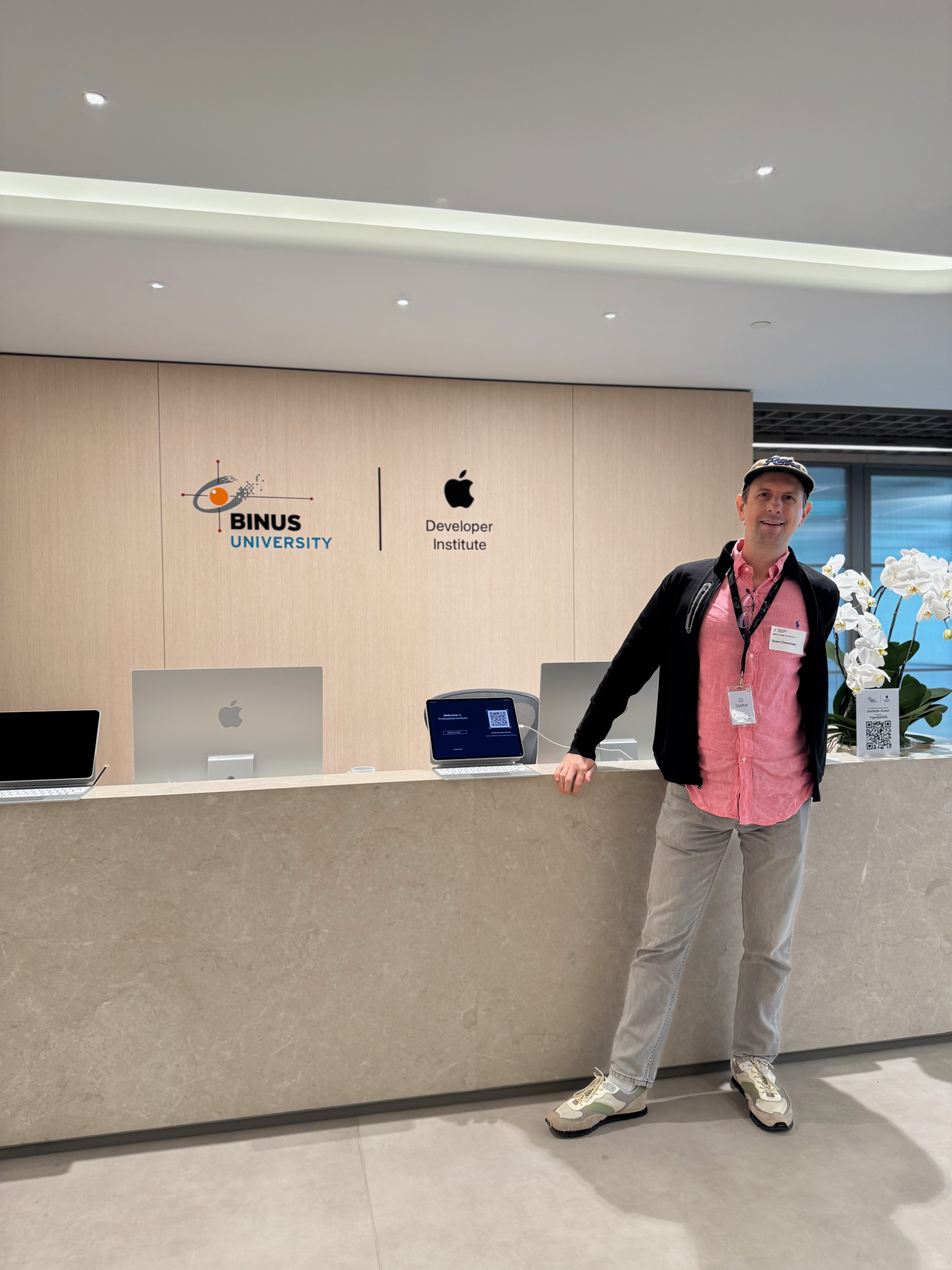
 Brent Deverman · Singapore
Attending First Swift Conference in Indonesia

We also got the obligatory photo with Paul Hudson.
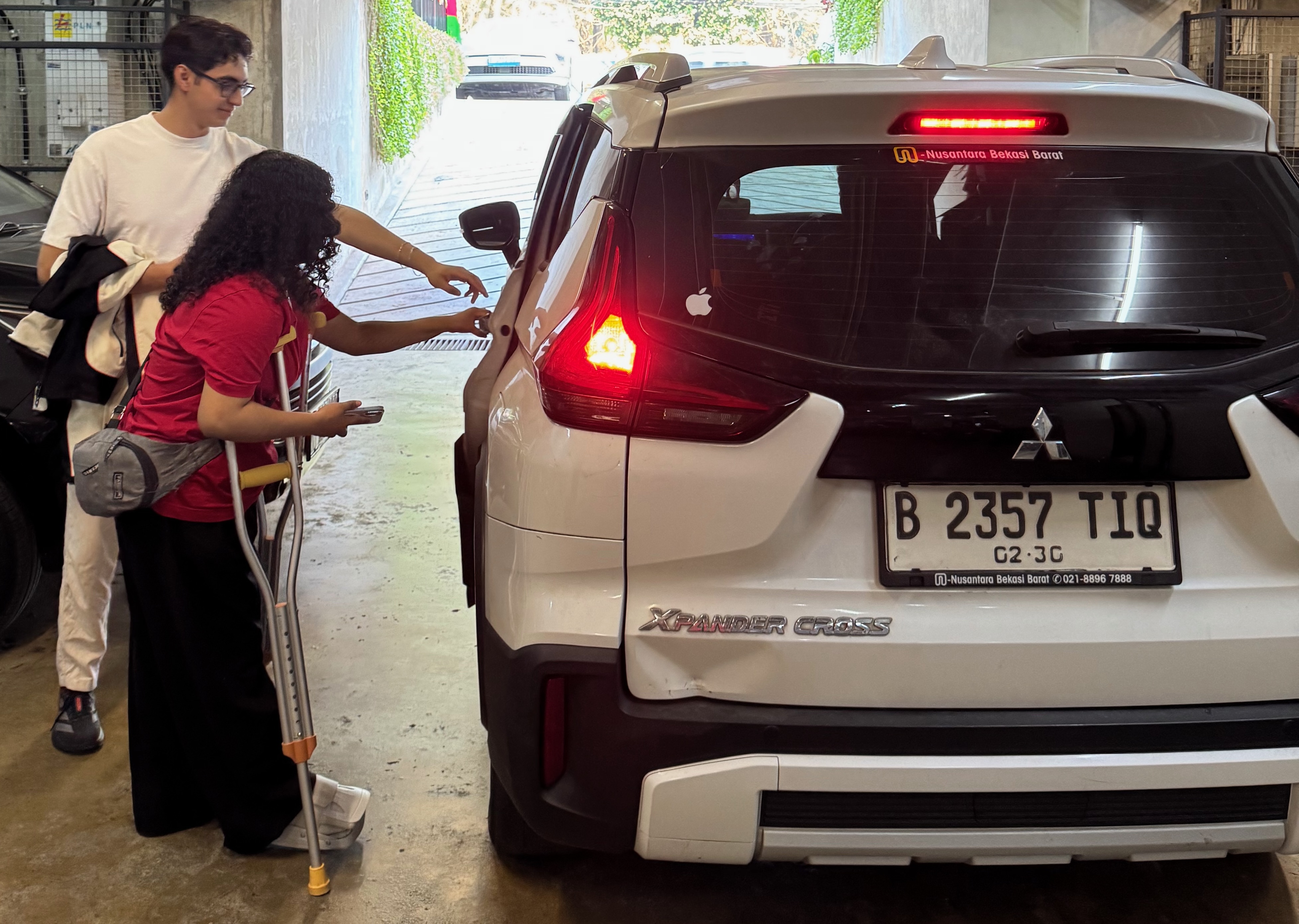
On my way to the Swift Indonesia Conference in Jakarta, our driver had an Apple logo in his back window, and so I knew it was going to be a good day. We went with Joel and Eunice.
DocC
Nabila Herzegovina kicked off the conference, talking about DocC which I had used on a previous project. It is a perfect way for bundling your documentation with your code. In the Swift AI projects I have been creating, I have required the coding agent to use the DocC format. Originally, the LLM was creating documentation that was too verbose, so I had to rein it in. I realize that I am also creating a lot of documentation for my projects in Markdown format, and I might try to use DocC instead for even the stray Markdown files so that I can generate a nice website for my projects. Should be a good way to have documentation viewable by me as well as the LLM. Other tips Nabila gave were to include architecture decisions in the DocC documentation. DocC can be converted to a .doccarchive file, which can be used to distribute the documentation. I might try to put this as a step in my GitHub workflows for my open-source repositories to capture the documentation for each release.
Understanding Augmented Reality, building with ARKit
Yafonia Hutabarat had some great guiding questions showing how she got to the understanding of the AR world tracking and coordinate system. She published sample code to learn ARKit.
This presentation gave the basics of how AR works and how ARKit and RealityKit work, and then the sample code which is exactly what we need for my current project. The tables and sample code clearly documented the options to provide to the essential API calls of ARKit. After viewing the talk, my understanding of the roles and interactions between RealityKit and ARKit is clearer.
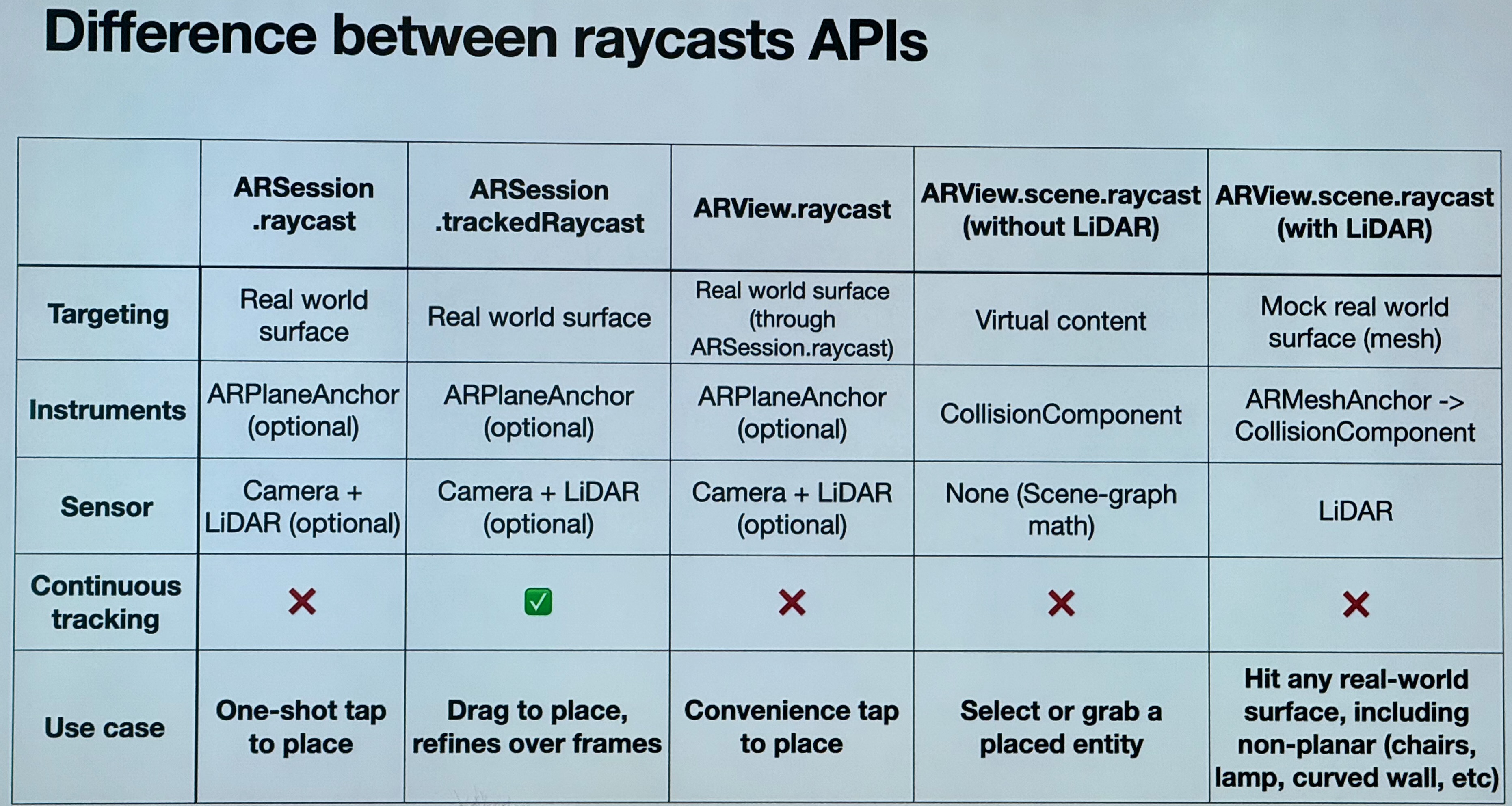
In the Apple Developer Academy Bali, we have devices with and without LiDAR, and her presentation touched on the differences between turning on and off LiDAR mesh with RealityKit.
App Architecture for SwiftUI
Talk by Steven Lee. My takeaway is that if you are writing code that you can’t use in preview, you should refactor it using techniques like dependency injection.
Using MVVM gives problems such as in preview. If you have view dependencies, you should mock them.
Next, Steven went through an example project of his scalable code based on the Uber RIBs architecture.
Definition of Scalable Code
- Unit testable
- Encapsulated
- Reusable
Steven also suggested we take a look at his GitHub where he refactored Apple sample code into his scalable architecture.
Write Better SwiftUI
The typical Paul Hudson workshop where we were given a live coding session. So impressive how sharp and how he can take feedback from the audience while talking and coding at the same time, more impressive than an improved comedian.
He provided a SwiftUI project for the group to improve the code.
We had to find ways to make his sample Xcode project:
- Faster
- Clearer
- Simpler
- Consistent
Key Takeaways
This is basically in the order that we found issues.
- Put your “magic number” color constants into the asset catalog.
- Why does Hashable require Equatable? Because SHA-256 attack found two different files produced the same hash.
- If you have the protocols Encodable & Decodable, just change to Codable.
- What priority is all SwiftUI functionality triggered at? SwiftUI runs on the MainActor. So it should inherit
.highpriority. - localizedStandardContains - use this for user-level string searches.
.refreshable- had a task that didn’t work correctly because we had a function that was in a task, and so refreshable didn’t wait for the function to finish. Converted the function to async to get it to work.- For formatting names, use Apple’s system for formatting names using PersonNameComponents.
.onTapGesture- avoid using this; you should use Button for accessibility.- Beware of plurals and use Swift’s built-in techniques for multiple languages.
- Careful about overuse of
.self. You can use it sometimes. - Use filter when working with search results.
- When you think you need an actor, no, you don’t!
- Use Labels for buttons to have better accessibility and then
.labelStyle(.iconOnly)if you don’t want the text to show.
Interfaces to Intent
Subhransu Behera asked the question: what does it mean to be an app developer now in the age of AI? How will users change their behavior when using your apps?
- People have a job to be done; they didn’t ask for an app.
- Most apps are adding AI features.
- Last year, there were over half a million apps on the app store.
- 4 out of 100 people who install your app remain after 30 days.
- Measure attention in your apps.
- Interfaces are disappearing.
- Don’t just add a chatbot to your app. If people aren’t opening your app because of AI capabilities, the UI is not the main thing.
- Agents could disintermediate superapps.
- Where AI is the input method, apps have taken off like Cal AI.
- Siri AI in OS 27 is now an agent runtime.
- Your app can provide data to Siri, and you can be part of the conversation and stay top of mind.
- Users can interact with your app in more ways outside your app.
- If your app doesn’t support Siri, it will pick another app for the user’s query.
- Believe in the future: your app will be interacted with more by app intents than your UI.
- Adopt app intents.
Building and Leading Human Teams in the AI Era
Dr. Domenico Tangredi gave a talk that didn’t include any Swift code.
Domenico’s session was more interactive, where we first introduced each other, and we had to reflect on the question:
What’s the best team experience you’ve had so far?
Difference between Team and Group - Team is a small number of people with a common purpose and a way to measure performance. Hold each other accountable.
Teams have agreements; it is not an organizational chart. There are often explicit agreements and then implicit agreements, and friction happens a lot at the implicit level.
Connect deeply by listening. Some types of listening:
- Downloading -> Bubble - Just listening and no action
- Debate -><- Reactive - Just arguing back
- Dialogue <-> Reflective - Back and forth where both are listening
- Collective Creativity oooo Generative System - Team members playing off each other generating ideas
Leading
- The Hedgehog Effect - get too close, they split apart
Under pressure, which hedgehog are you? Do you spike or do you go cold?
Under pressure, people react in 3 ways: to move away, move towards, or start pleasing - always say yes.
Understand yourself:
- Reputation - how we behave under pressure and how we behave daily.
- To be a great leader
- Recognized in a team
Task conflict fuels teams. Relational conflict poisons teams.
Pause before you react. Leadership lives in that space.
Emotional agility: notice it, name it, navigate it.
Psychological Safety

It was deep enough that I watched the session again because no matter how much you learn this stuff, it is easy to fail in the moment, and I need to be reminded.
Elevate Your App Exposure with App Intents
Delvina Janice gave an overview of App Intents, which is a key technology in the new operating systems, especially for Siri integration.
App Intents are a bridge to bring your data outside your app.
Examples of adding App Intents to:
- Shortcuts
- Shortcut for creating Shortcuts
More Notes:
- App Intents can be free marketing
- App Intents can live in the Control Center
- Live Activities also use App Intents
- Indonesian companies must maintain iPhone compatibility with much earlier versions of operating systems
- App intents are used in multiple OS features, not just shortcuts
- Bahasa is not supported in Siri
- App Intents: What happens when two apps have similar app intents, such as booking a car? Need to investigate.
- Delvina cautioned about sending sensitive data to App Intents. I should double-check on that because they are supposed to be used on the device.
High Performance Swift
A follow-up Paul Hudson workshop diving into a project to understand and identify the performance problems in the app.
- Run Instruments to debug Swift UI performance problems using Profiler.
- If an algorithm is taking long, can you use Swift concurrency and get it off the main thread?
- Change a Class to an actor. Actors don’t allow concurrent access.
- Then call the actor and make it
awaitthe result, which makes all the code async await.
- Memoization - a specific kind of cache.
- No dependency on external state.
- The data should not change overtime.
- Cache some function output for some input.
- Be careful of SwiftUI and Memoization because it coalesces changes using @State. You might put the memoization cache outside of SwiftUI.
- If you do a cache, consider having a max limit on the size of the cache and ejecting older cache items.
- Image caching, iOS 27 had this but it is not full-featured.
- Hitches - when SwiftUI cannot keep up with your work - freeze, do the work, unfreeze.
- Resize large images with uiImage.byPreparingThumbnail(ofSize: CGSize(width: maximumSize, height: maximumSize))
- Swift concurrency instruments immediate mode. Swift Tasks - putting a task in a class example shows a retained cycle where the memory goes up and up. Be sure to kill the task at the right time.
There was a surprise subtalk by Paul as well, but unfortunately, I had to go to the airport. So I’ll wrap up there.
If you learned something else at the conference that I didn’t record, please comment on LinkedIn or on X.com.